

How to Block Online Banking Fast: Kill Switch Guide
Scammed or phone stolen? Press your bank's kill switch, call its 24/7 line, then report. Freeze names and scam hotlines for 6 Asian countries.
In this article
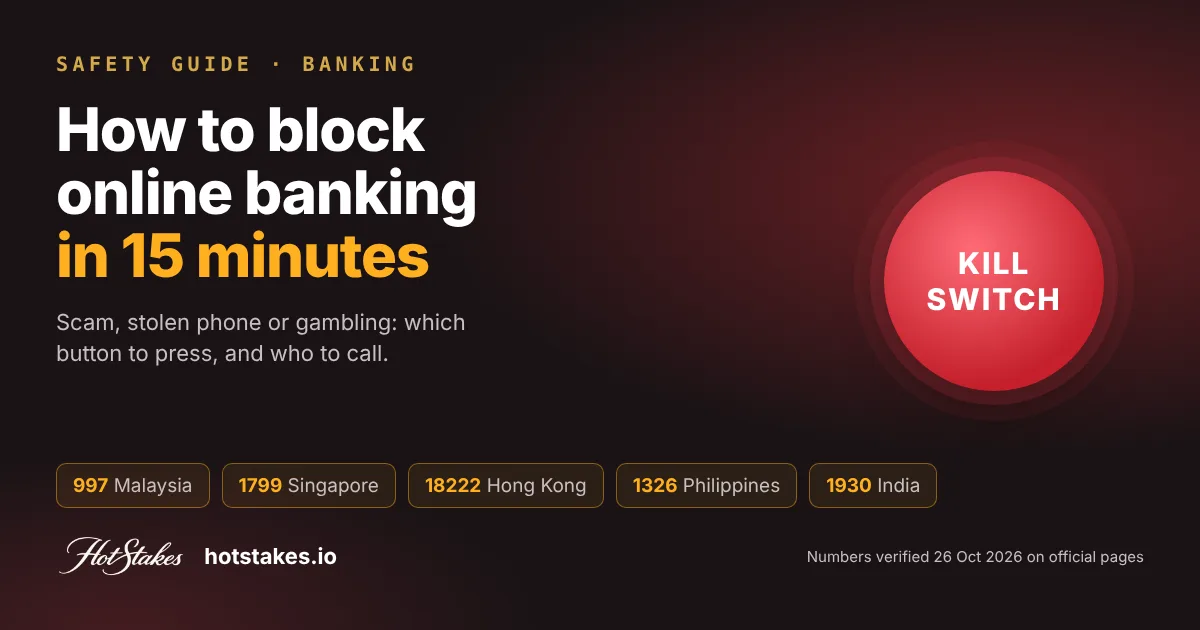
If you think you have been scammed or your phone is gone, press the kill switch in your banking app now, or call your bank’s 24/7 fraud hotline, then report to your national scam line. That is how to block online banking fast. In Malaysia call 997, in Singapore 1799, in Hong Kong 18222, in the Philippines 1326, in India 1930, and in Indonesia report on the IASC portal. Speed matters more than anything else on this page.
Below: which block fits your situation (scam, lost phone or gambling), what each block really stops, a country-by-country table, and a numbered plan for the first 15 minutes.
Which block do you need? Scam, lost phone or gambling
“Block my banking” means three different things. Pick the one that matches you.
- Scam in progress or just happened. Someone has your login, OTP or a remote-access app on your phone, or you just sent money to a stranger. Use the kill switch or the bank’s fraud hotline. Then report to the national scam line.
- Phone lost or stolen. Nobody has moved money yet, but your banking app is in someone else’s hands. Use the kill switch from another device, or call the bank. A card block alone is not enough if the app stays logged in.
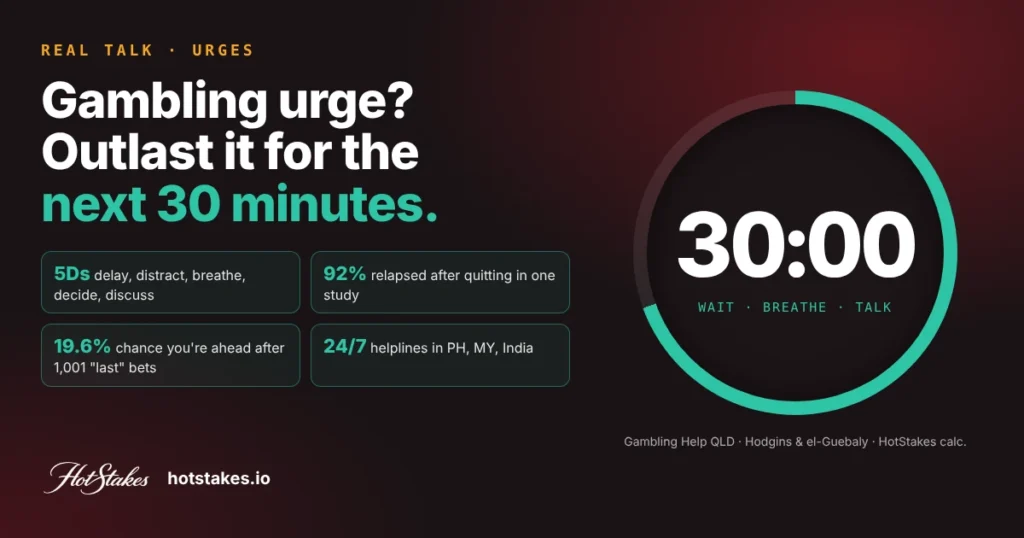
- You want to stop gambling payments. This is not an emergency freeze. You want a block that is hard to undo on impulse: a money lock on your savings, card controls, and gambling-specific blocks. Our guide to blocking gambling sites and apps covers the device side.
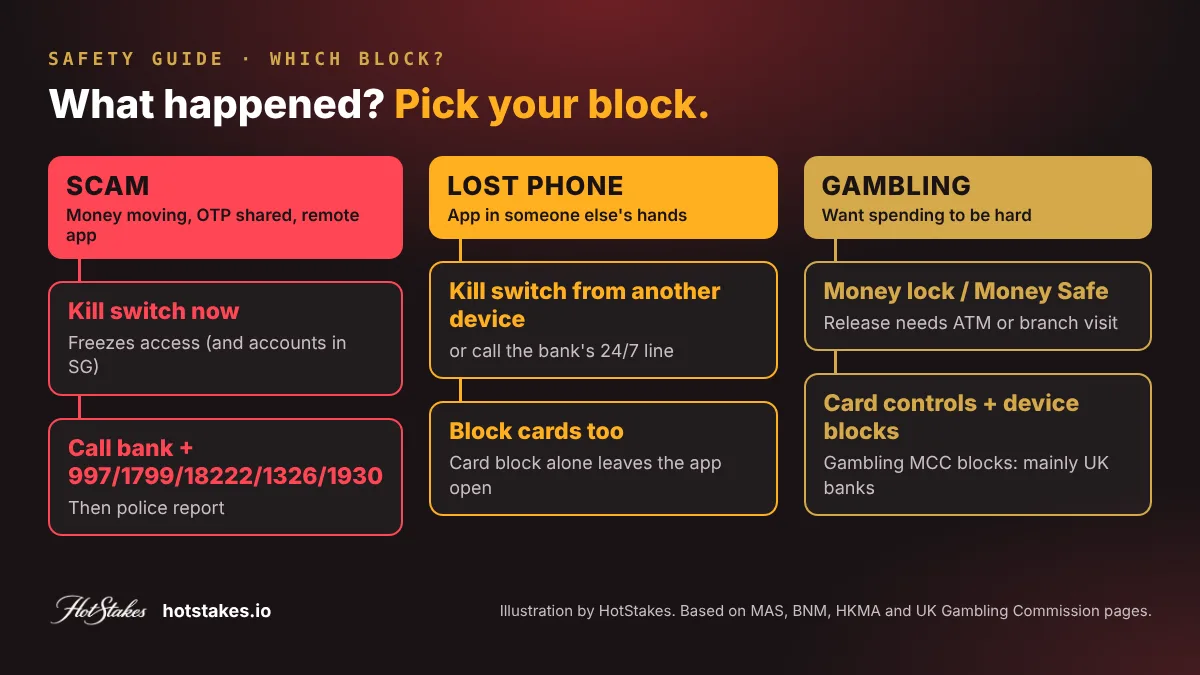
Takeaway: scam or stolen phone means freeze everything now; gambling means lock money away where reaching it takes effort.
Kill switch vs money lock vs card block vs gambling block
These four tools are often lumped together. They stop different things and are undone in very different ways.
| Tool | What it stops | How you undo it | Best for |
|---|---|---|---|
| Kill switch | Digital banking access and cards; in Singapore also all account transactions | Call centre with identity checks, or a branch visit | Scam in progress, stolen phone |
| Money lock / Money Safe | Outgoing payments from an amount you choose | In person: a bank ATM or a branch check (HK: up to 3 working days) | Protecting savings, gambling impulses |
| Card block or card controls | One card, or certain card uses (online, overseas, ATM) | Usually instant in the app | Lost wallet, limiting online spending |
| Gambling block | Card payments coded as gambling | Cooling-off delay before removal | Stopping gambling spend (mainly UK banks) |
A kill switch is not the same everywhere
We read the official pages on 26 Oct 2026 and found two quite different designs.
In Singapore, the government’s ScamShield site says a kill switch lets you “immediately freeze all your current and savings accounts”, and that no transactions can be made digitally, at an ATM or at branches. MAS and the Association of Banks in Singapore announced this emergency self-service kill switch in June 2022, with measures due by 31 October 2022.
In Malaysia, Bank Negara Malaysia’s Governor said in October 2023 that all major banks had adopted its fraud countermeasures, including “introducing a ‘kill switch’ for customers”. Each bank designs its own. Maybank’s version, for example, logs you out of its apps and blocks credit card spending, while “your money will remain in your bank account”.
Takeaway: check what your bank’s kill switch covers before you need it. Some freeze accounts; some freeze access.
Money lock and Money Safe
A money lock ring-fences part of your balance so it cannot be sent digitally. OCBC says locked funds “cannot be digitally used or moved”; you release them at an OCBC ATM at a branch. UOB lets you release locked money only at its ATMs in Singapore, not through the app. DBS/POSB digiVault needs a branch visit with identity checks.
In Hong Kong, the HKMA said on 30 December 2025 that all retail banks would offer Money Safe to individual customers by 31 December 2025. Releasing protected money needs a face-to-face anti-scam check, processed within 3 working days at most.
Takeaway: a money lock is a prevention tool. Set it up on a calm day, not mid-scam.
Card controls
In India, the RBI has required banks since 2020 to let cardholders switch on or off online, overseas, ATM and contactless use, 24×7. Many banks, including Maybank and OCBC, also offer a card lock in their apps.
Takeaway: card controls are quick and reversible. Good for a lost wallet, weak as a gambling barrier.
Gambling-transaction blocks
Several UK banks block card payments to gambling merchants. The UK Gambling Commission lists examples from Barclays, HSBC, Monzo and others. Monzo explains that gambling companies use a specific merchant category code, and you choose a cooldown of 2 days to 1 year before the block can come off.
For Asia, we did not find an official bank or regulator page today describing a gambling-category card block at a bank in Malaysia, Singapore, Hong Kong, the Philippines, India or Indonesia. So we will not name one. The honest options are a money lock, card controls that switch off online use, and device-level blocking from our gambling-block guide. If gambling has already created debt, see what to do about gambling debt.
Takeaway: ask your bank directly whether it blocks gambling merchants; if not, build friction with a money lock.
Country table: emergency freeze and who to call
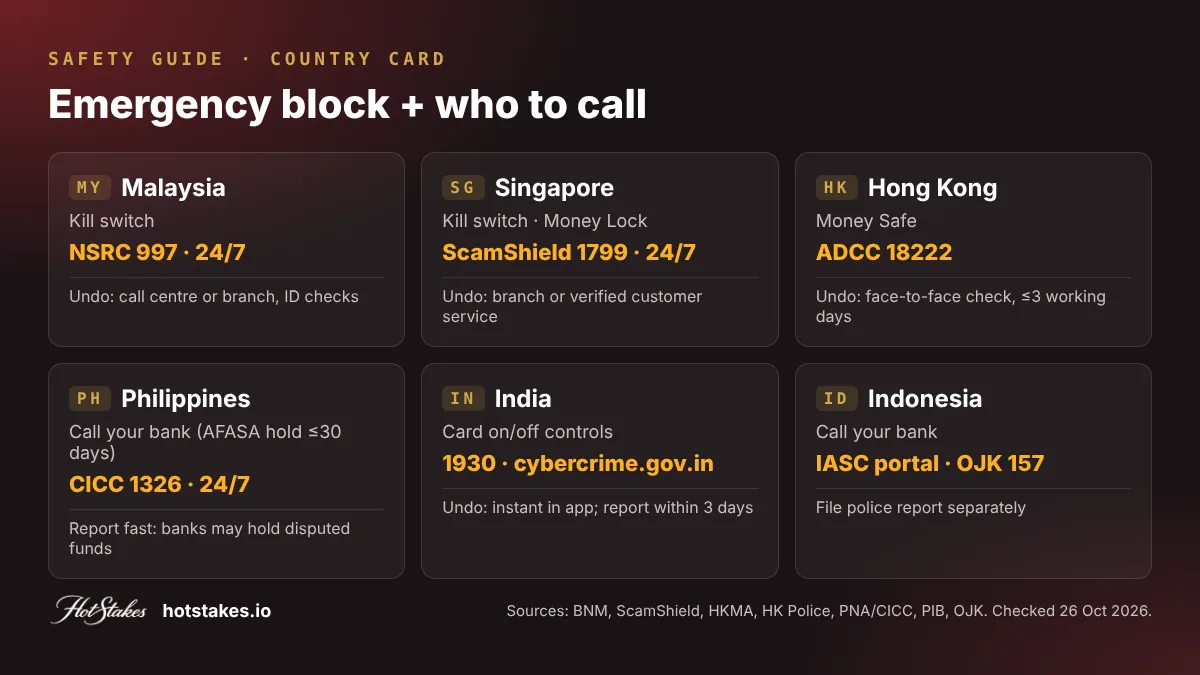
Every number below was checked on an official page on 26 Oct 2026. Bank feature names vary, so look in your app under Security or Settings.
| Country | Emergency block | What it blocks | How to undo | National line |
|---|---|---|---|---|
| Malaysia | Kill switch (major banks, per BNM) | Varies by bank: app access, cards; some keep funds in place | Bank call centre or branch, with ID checks | NSRC 997, 24/7 |
| Singapore | Kill switch; Money Lock | All accounts, cards, ATM and branch transactions | Branch or verified customer service | ScamShield 1799, 24/7 |
| Hong Kong | Money Safe (all retail banks) | Outgoing payments from the protected amount | Face-to-face check, up to 3 working days | ADCC 18222 |
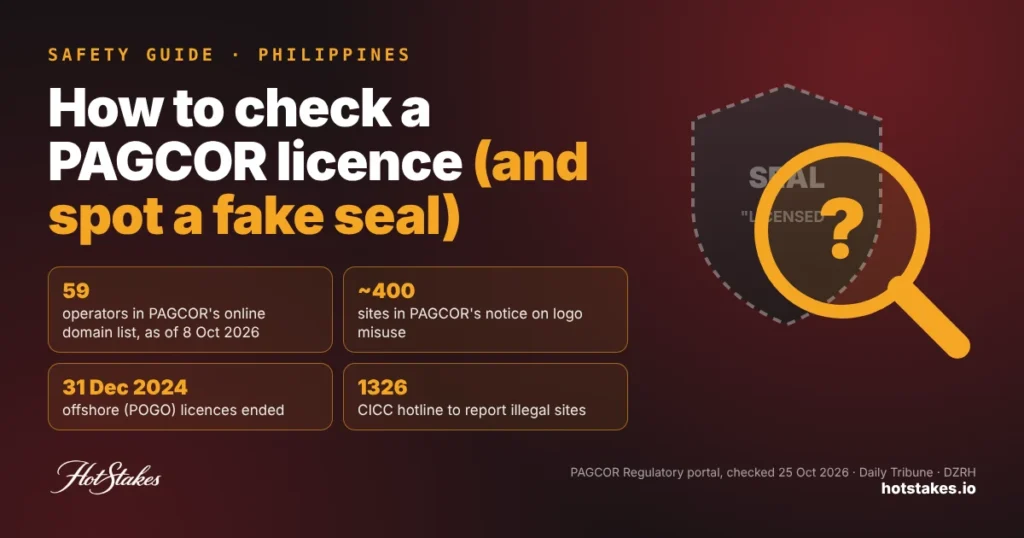
| Philippines | No single national name; call your bank | Under AFASA, banks may hold disputed funds | Hold up to 30 days; longer needs a court order | CICC 1326, 24/7 |
| India | Card on/off controls (RBI); call bank | Online, overseas, ATM, contactless card use | Instant in app | 1930 and cybercrime.gov.in |
| Indonesia | No single national name; call your bank | IASC passes reports to banks to block scam accounts | Via your bank | IASC portal; OJK 157 |
A few bank-specific details we verified on official bank pages today:
- Maybank (MY): MAE app → More → Kill Switch. Reactivation needs strict identity checks via its call centre (1300 88 6688) or a branch.
- OCBC (SG): hotline 1800 363 3333 (press 8) or an OCBC ATM. Only branch staff or customer service can lift it.
- DBS/POSB (SG): “Safety Switch” via the 24/7 main hotline 1800 111 1111 (press 4). Lifted after identity checks or at a branch.
A few more country notes. Malaysia’s NSRC asks victims to make a police report within 24 hours. In India, the RBI’s rules give zero liability in some unauthorised-transaction cases if you tell the bank within three working days. In the Philippines, BSP Circular 1215 lets banks hold disputed funds for up to 30 calendar days.
Takeaway: save your bank’s fraud hotline and your national line in your contacts today.
The first 15 minutes: what to do, in order
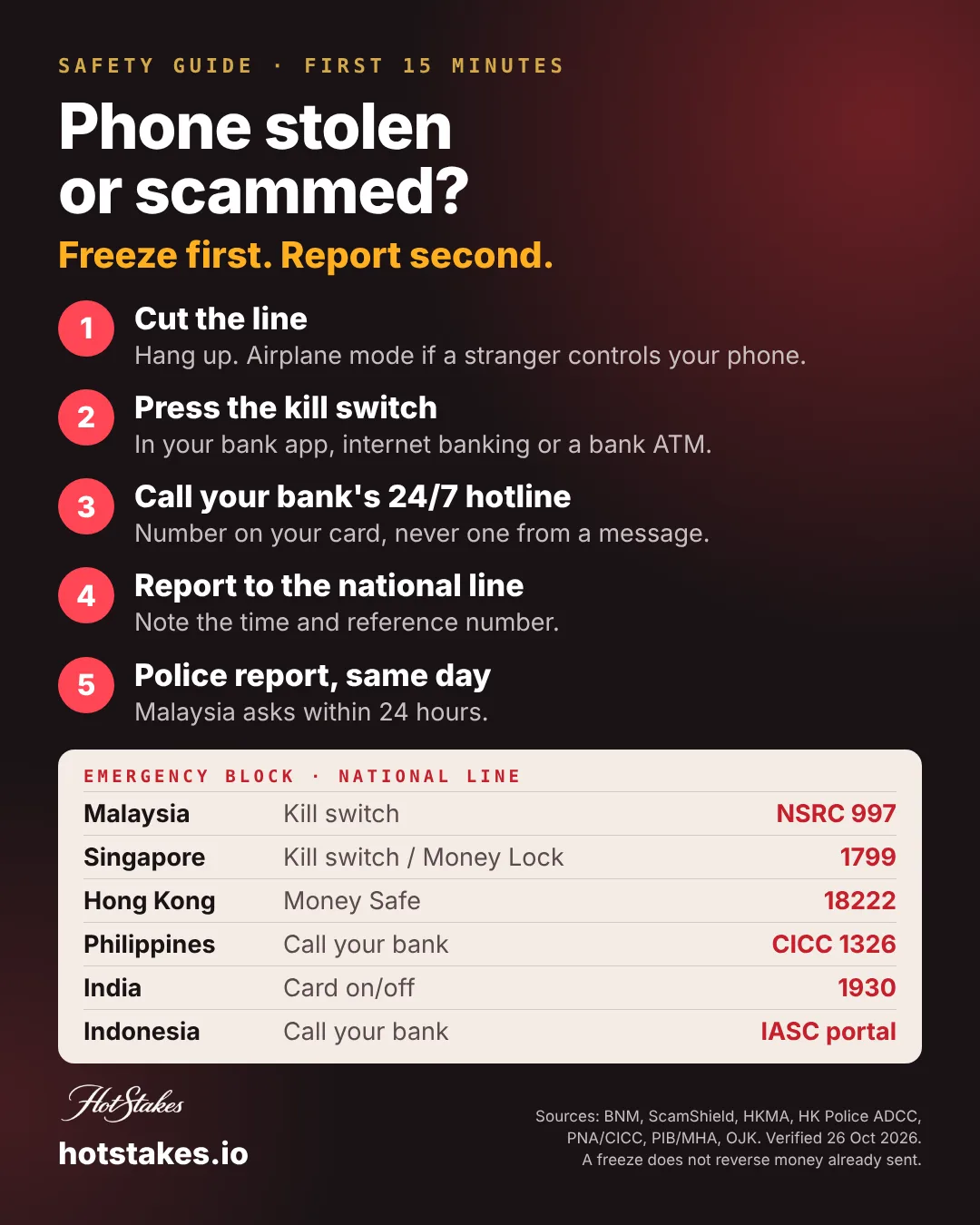
- Cut the connection. Hang up the call. Turn on airplane mode if a stranger has remote access to your phone. This is common in an APK scam.
- Press the kill switch in your banking app, internet banking, or at a bank ATM. Lost phone? Use another device or someone else’s phone to call the bank.
- Call your bank’s 24/7 fraud hotline. Use the number on the back of your card or the bank’s official site, never a number from a message.
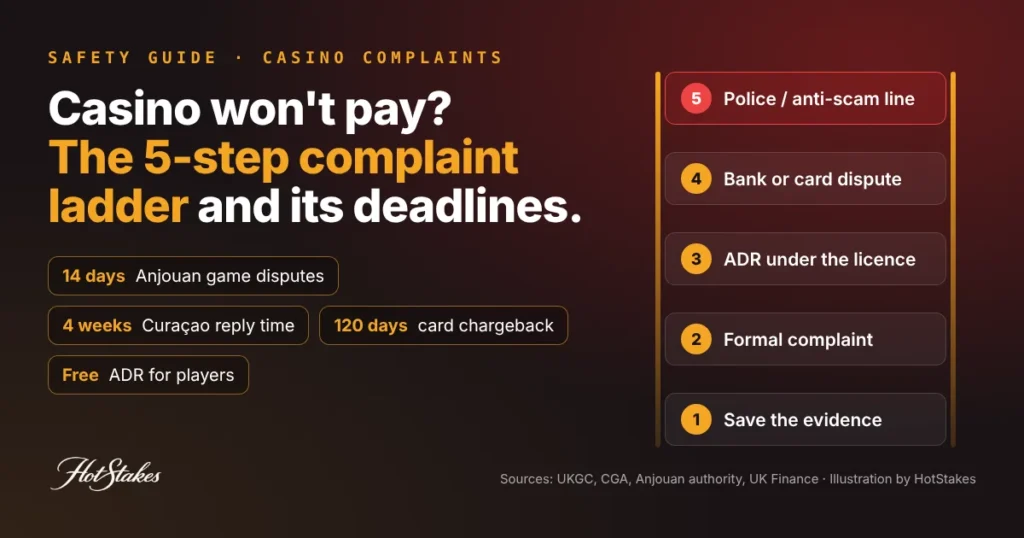
- Call your national scam line (997, 1799, 18222, 1326, 1930) or file on the IASC portal in Indonesia. Note the time and the reference number.
- Write down every transaction: time, amount, recipient account, reference. Screenshot chats.
- File a police report the same day. Malaysia asks for it within 24 hours.
- Change passwords for email and banking from a clean device and remove unknown apps. Our account security checklist walks through the basics.
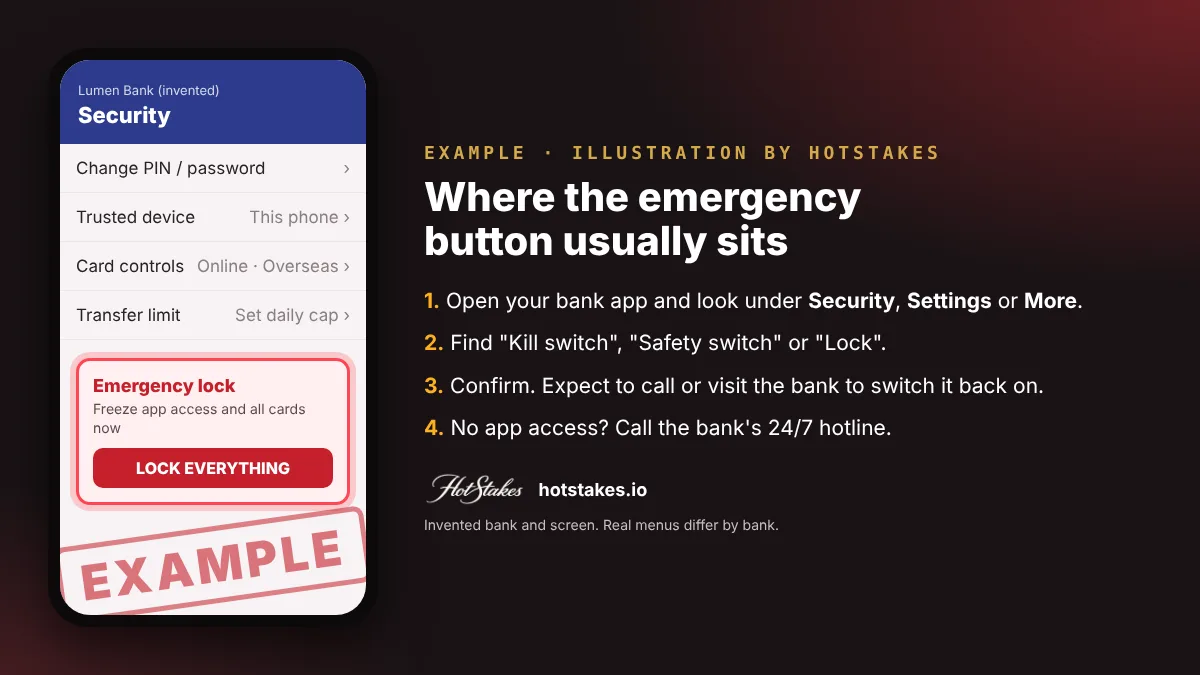
Takeaway: freeze, call, report, document. In that order.
What a kill switch does NOT do
- It does not reverse money already sent. Indonesia’s IASC warns that recovery is not guaranteed and that scammers move funds within minutes. Fast reports help banks trace and hold money, nothing more.
- It also freezes your life. Bills, salary-linked payments and your own card may stop. Plan a branch visit to restore access.
- It does not stop a mule account in your name. If someone asked to “borrow” your account, read our money mule explainer.
- It cannot protect you from the next call. Fake police and bank officers are a classic Macau scam move. Malaysia’s anti-financial-crime centre says to hang up on callers claiming to be NSRC officers.
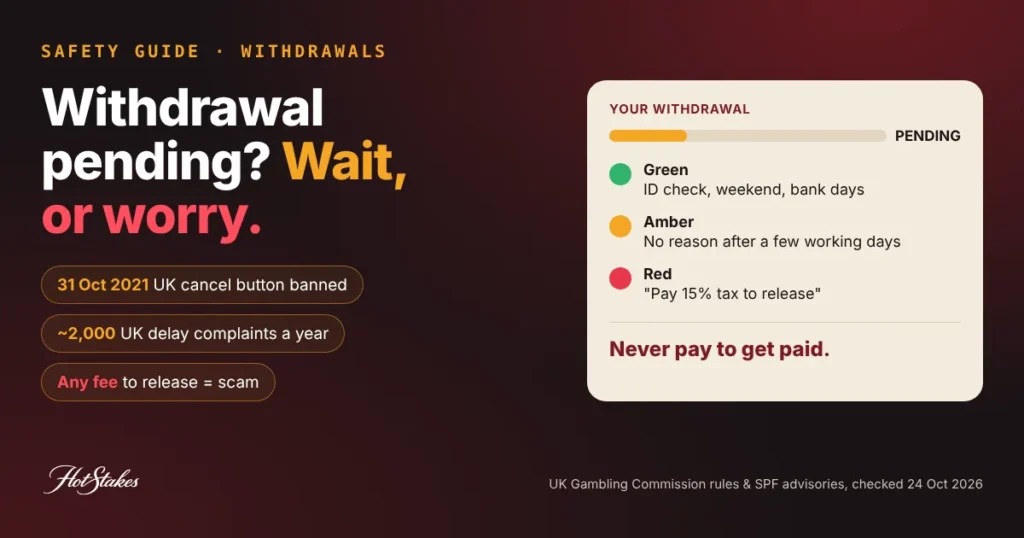
The recovery-scam warning: victims are often targeted a second time. Singapore Police warn of fund recovery scams that pose as law firms and demand upfront fees, and advise people to “avoid believing claims that they can help you to recover lost monies”. Anyone promising recovery for a fee is a red flag.
Takeaway: only your bank and the police can trace funds, and neither charges you a fee to do it.
Blocking banking for a family member
An elderly parent getting scam calls, or a partner whose gambling is draining joint savings? You cannot press a kill switch on someone else’s account. Sit with them while they call the bank, help them set a money lock, and keep the national scam line on their fridge. For gambling at home, see what to do when a partner gambles. To check your own defences, try the HotStakes scam quiz.
Takeaway: help them act; don’t act for them without consent.
FAQ
How do I block my online banking immediately?
Use the kill switch in your bank’s app or internet banking, or call your bank’s 24/7 fraud hotline. Then report to your national scam line, such as 997 in Malaysia or 1799 in Singapore.
Does a kill switch freeze my money or only my app?
It depends on the country and bank. In Singapore it freezes all accounts and cards. In Malaysia, some banks block app access and cards while the money stays in your account.
How do I undo a kill switch?
At the banks we checked, through the call centre with identity checks or at a branch. None of them let you switch it back on yourself in the app, by design.
Can a kill switch get back money I already sent?
No. It only stops new transactions. Report quickly to your bank and the police so they can try to trace and hold funds. Recovery is not guaranteed.
Can my bank block gambling transactions?
Some UK banks block card payments coded as gambling. We found no verified equivalent on official Asian bank pages, so use a money lock, card controls and device blocks, and ask your bank directly.
HotStakes is an independent directory. Some links on this site are affiliate links; we may earn a commission at no cost to you, and it never changes our rankings. Gambling involves risk — only play with money you can afford to lose, and if it stops being fun, seek help. This article is general information, not legal advice. Read our full disclaimer.
 Next story →NB99 Review 2026: Licence, Bonus Terms & Safety Check

Start the discussion